Emergency Contact Information: Rental Safety Guide
Ensure guest safety with essential emergency contact information for your rental. Get 2026 templates, display tips & digital tools for peace of mind.
You're probably already doing part of this. You have your phone on, a cleaner who can help in a pinch, maybe a plumber saved in your contacts, and a laminated sheet somewhere in the property. Then a guest messages late at night because an alarm is sounding, the power has tripped, or they feel unwell in an unfamiliar city. That's when a basic list stops being enough.
In practice, emergency contact information works best as a living safety system. It has to be created carefully, written clearly, easy to find, understandable for different guests, and simple to update without chasing paper copies across multiple properties. Hosts who treat it that way usually run calmer stays. Guests know what to do, staff know their role, and minor incidents don't escalate just because nobody could find the right number fast enough.
Table of Contents
- Why Your Emergency Contact List Is Not Just a Formality
- Building Your Essential Contact List From Scratch
- Wording and Formatting for Maximum Clarity
- Digital vs Physical How to Best Display Your Info
- Keeping Your Emergency Information Accurate and Private
- Turn Guest Safety Into a 5-Star Experience
Why Your Emergency Contact List Is Not Just a Formality
A guest wakes up at 2 AM to a carbon monoxide alarm. They don't know if it's a battery issue or a real danger. They call you once, get voicemail, and then freeze because they also don't know the local emergency number. That's not a rare hosting headache. It's a design failure in the way the property communicates safety.
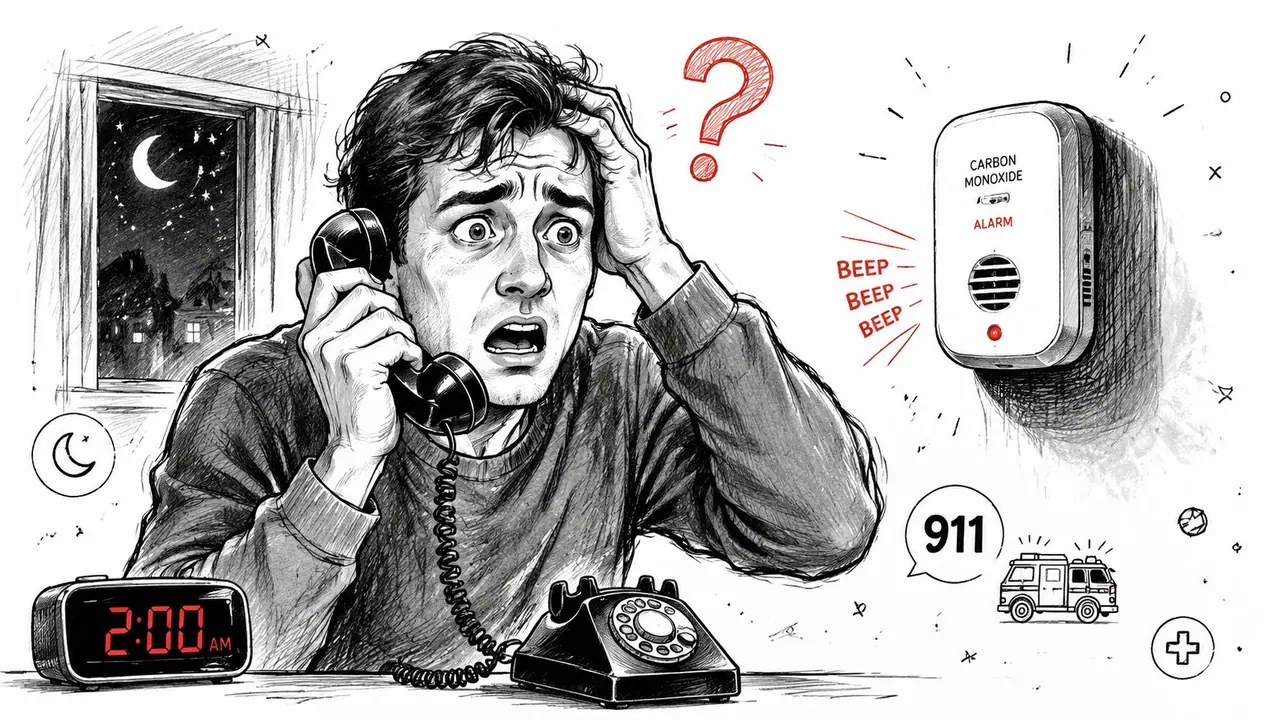
A guest doesn't experience your contact sheet as paperwork. They experience it as reassurance, or confusion. A strong system tells them who to call first, what counts as an emergency, and what can wait for host support in the morning. A weak system gives them six random numbers and no order of action.
The broader context matters too. A 2024 review found that about 6 in 10 people in low- and middle-income countries and 3 in 10 in high-income countries don't know the correct emergency number for emergency medical services, which the review described as an alarmingly low level of public knowledge worldwide, according to the Cureus emergency medicine review summarized here. For hosts, that means local emergency details can't be assumed. They need to be given plainly.
Why good hosts treat this as operations, not admin
The most useful contact list doesn't start with “in case of emergency.” It starts with decision-making. Fire, police, and medical response go first. Then host escalation. Then trade support for property-specific problems like loss of power, water leaks, lockouts, or alarm faults.
Practical rule: If a guest has to guess whether to call you, building security, or emergency services first, the sheet is unfinished.
That's also why I recommend pairing the emergency list with a short plain-language procedure for common hazards. If you manage older buildings, attic conversions, or properties with multiple appliances, it helps to give guests one extra layer of guidance. A solid example is your electrical safety guide for 2026, which shows the kind of simple step order guests need when they're stressed and trying not to make the situation worse.
A good list protects guests. It also protects your time. Clear routes reduce panic calls, duplicate messages, and the all-too-common situation where three people are contacted but none of them has authority to solve the actual problem.
Building Your Essential Contact List From Scratch
Most hosts build their list backwards. They add whoever they already know, then keep appending numbers until the page looks complete. That creates clutter, not coverage. A better method is to build in layers and give each contact a job.
Start with the people who control access
The first layer is host and property management. These are the people who can authorize entry, approve repairs, verify a false alarm, or move a guest if the property becomes unusable.
This layer should usually include:
- Primary host or manager: Full name, direct phone, and when guests should call.
- Backup host or co-host: A second reachable person if the primary doesn't answer.
- On-site building contact: Concierge, front desk, security desk, or resident manager if the property has one.
Professional guidance for emergency forms recommends capturing at least two contacts with full names, relationships, and multiple contact methods, as noted in this workplace emergency contact guidance. The same redundancy matters in short-term rentals. One number is not a system. It's a single point of failure.
Add local response numbers and property support
The second layer is local emergency services. This must be specific to the property's location, not generic advice copied from another listing.
Include:
- Emergency services number: Label it for fire, police, or medical emergencies.
- Nearest urgent care or hospital contact details: Useful for non-life-threatening issues.
- Non-emergency police line or building security line: Helpful for disturbances, lost property, or neighborhood incidents that don't require immediate emergency response.
The third layer is property-specific support. These contacts solve the problems guests often experience as emergencies even when they aren't medical or criminal events.
That list often includes:
- Plumber: Burst pipe, no hot water, blocked toilet.
- Electrician: Repeated breaker trips, outlet sparks, partial power loss.
- Locksmith or lock support: Smart lock failure, broken key, dead battery in access system.
- HVAC technician: No heat or cooling in weather extremes.
- Cleaner or turnover lead: Only if they're officially part of your after-hours escalation chain.
Don't publish every vendor you've ever used. Publish the people who can actually respond, and state when they're available.
Emergency Contact Categories for Your Rental
| Contact Category | Who to Include | Key Information |
|---|---|---|
| Host and property management | Primary host, backup host, co-host, front desk, security, resident manager | Full name, role, direct phone number, backup contact method, hours or availability notes |
| Local emergency services | Emergency services, non-emergency police, nearby hospital or urgent care, building security if relevant | Exact service name, correct local number, address if useful, clear instruction on when to call |
| Property-specific support | Plumber, electrician, locksmith, HVAC technician, alarm company, maintenance lead | Company or person name, problem type they handle, direct phone number, after-hours availability |
A practical filter helps: if a guest can't tell why a number is on the list within two seconds, rewrite it. “Mike” is useless. “Mike, after-hours plumber” is usable. Small details like that matter when someone is under pressure and reading quickly.
Wording and Formatting for Maximum Clarity
A strong list can still fail if it's written like internal office notes. Guests don't know your building, your town, or your abbreviations. They need short instructions in plain language.
Write instructions like a stressed guest will read them
Start with the action, not the explanation. Put the most urgent instruction first and make the order obvious.
Useful wording looks like this:
For fire, police, or medical emergencies, call [local emergency number] first.
If there is a gas smell, leave the property immediately and call [relevant emergency or gas contact number] from outside.
If the carbon monoxide alarm sounds and you feel unwell, leave the property and call emergency services first.
For urgent property issues such as no power, active leaks, lockouts, or alarm faults, contact [primary host name and number]. If there's no answer, call [backup host name and number].
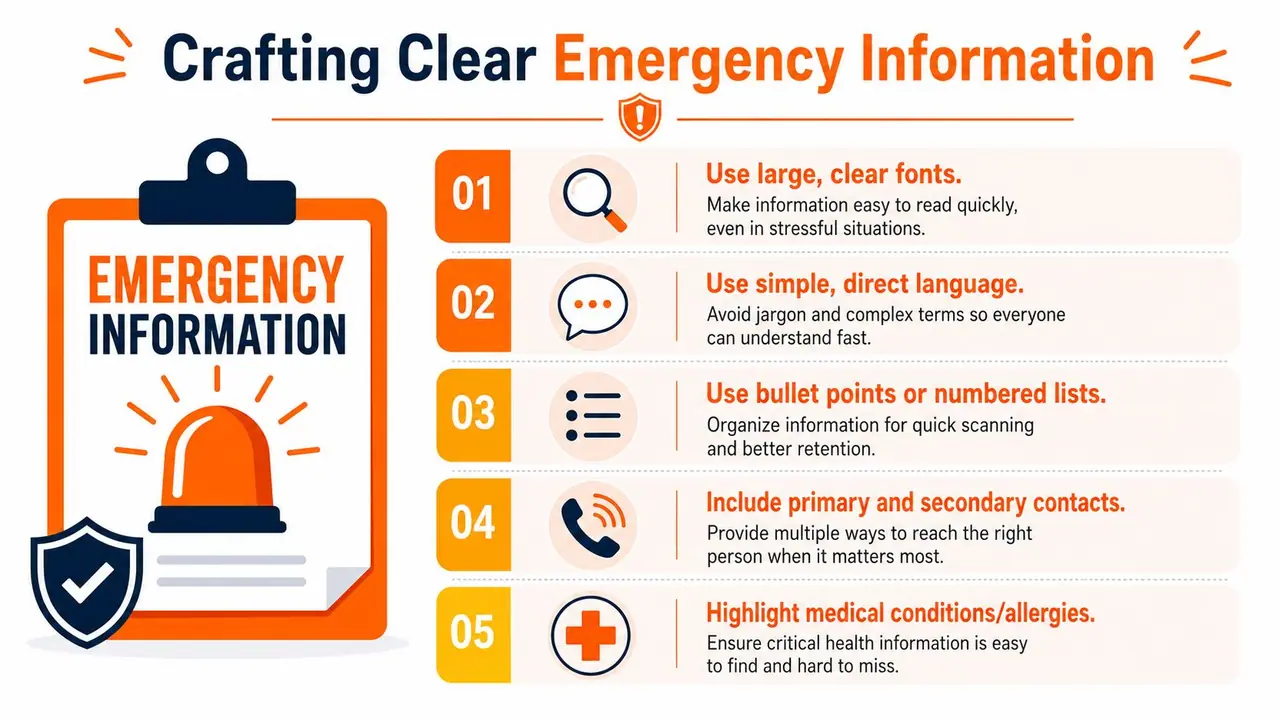
Formatting matters as much as wording:
- Use large text: Guests shouldn't need to zoom in.
- Group by scenario: Emergency services, urgent property issues, and medical help should not be mixed together randomly.
- Avoid jargon: “DB panel trip” means nothing to most guests. “Breaker has tripped and power is off” is better.
- Use labels guests recognize: “Front desk,” “building security,” and “host” are clearer than internal staff titles.
- Keep each line self-contained: Name, purpose, number, and timing should sit together.
Make multilingual access part of the system
Many hosts still post one English-only sheet and assume that's enough. It often isn't. Guidance for communicating with diverse populations emphasizes using multiple channels and different languages, and also recognizes that accessibility barriers are real, as discussed in this guidance on the importance of emergency contact information.
That has a practical implication for rentals. Your emergency contact information should be available in the languages your guests use, especially the first-line instructions. At minimum, the phrases for “Call this number first,” “Leave the property,” and “Medical emergency” should not depend on one language alone.
A simple system works best:
- Write the master version in short English.
- Translate the top-priority instructions into the main guest languages for that property.
- Avoid long paragraphs that become harder to translate clearly.
- Show the same information in more than one format, such as printed card plus digital page.
Clear multilingual safety information is not a luxury feature. It removes hesitation at exactly the moment hesitation becomes dangerous.
Digital vs Physical How to Best Display Your Info
Hosts often ask whether a fridge sheet is still enough. My answer is no, but paper still has a place. The right setup is usually digital first, physical backup.
What paper still does well
Paper is visible. It doesn't depend on battery life. A laminated card near the entrance, kitchen, or guest handbook station can be found fast by guests who aren't comfortable navigating apps or messages.
Paper also helps with arrival-day orientation. If you already provide a house manual or move-in style checklist, a practical reference like this downloadable tenant move-in guide shows how checklists reduce confusion when people are entering an unfamiliar property and trying to understand how everything works.
But physical sheets break down in the same ways over and over:
- They go out of date: A vendor changes numbers and the old version stays in the frame.
- They get buried: Guests don't read binders unless they need them.
- They don't scale: Updating one property is manageable. Updating a portfolio by hand is not.
- They're often placed badly: Fridge doors, welcome folders, and drawers are not equally discoverable.
Where digital display wins
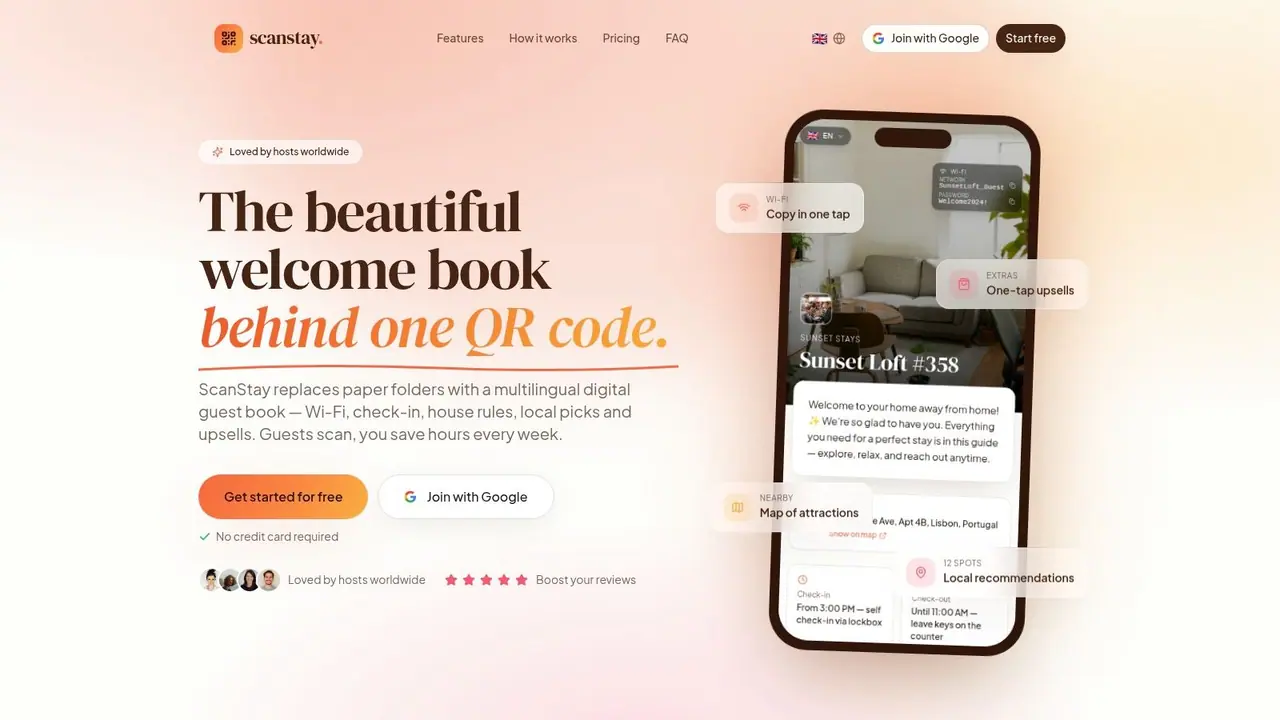
Digital display solves the maintenance problem and the discoverability problem if it's done well. The best version is not “buried in messages somewhere.” It's one obvious place guests can reopen at any time on their phones.
A digital welcome book works well because emergency contact information sits alongside the rest of the stay instructions instead of living in a separate document. Guests already go there for Wi-Fi, check-in details, parking, and checkout steps. That makes emergency guidance more likely to be found when needed. For examples of what belongs in that setup, this vacation rental welcome book guide is useful.
The key operational advantage is speed. If your electrician changes number or your backup manager rotates, you update once instead of replacing printed inserts across every room or unit.
A digital walkthrough helps:
A reliable display system usually looks like this:
- Primary access on guest phones: One clearly labeled QR access point.
- Printed backup in the property: A short emergency card for immediate reference.
- Consistent placement: Same location across every unit in your portfolio.
- Simple naming: “Emergency help” is better than “important information.”
If you have to choose one mistake to eliminate, eliminate hidden information. Guests can't use what they can't find.
Keeping Your Emergency Information Accurate and Private
Most emergency contact failures aren't caused by missing information. They're caused by stale information. One disconnected phone number can break the whole chain.
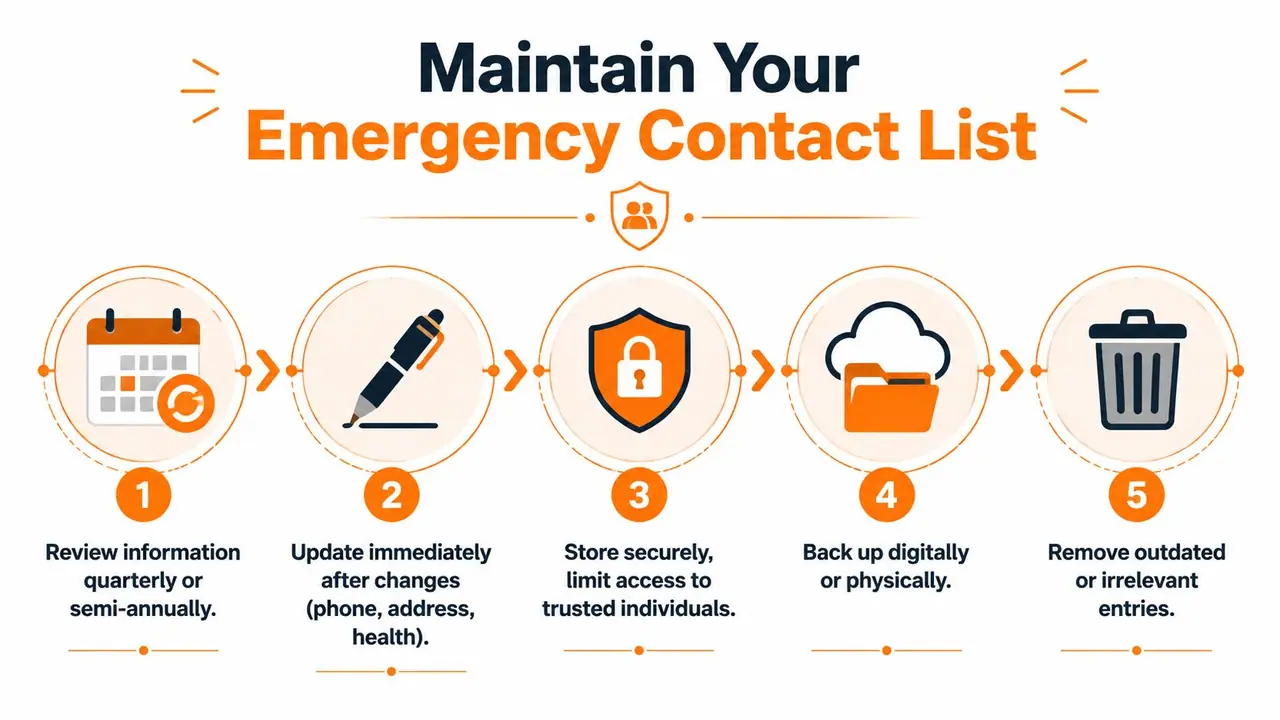
Operational guidance recommends reviewing contact information on a fixed cadence, with monthly updates for fast-changing teams and at least an annual review as a minimum, according to this best-practice guide for emergency communication on job sites. That standard translates cleanly to hospitality. If you rely on rotating contractors, co-hosts, or seasonal staff, you need a tighter review rhythm than a single annual check.
Set a review rhythm that matches your operation
A simple maintenance workflow beats a complicated one that nobody follows.
Use something like this:
- Before peak season: Confirm all emergency and trade numbers, especially after-hours coverage.
- After any contractor change: Update the list immediately, not during the next audit.
- When you add or remove properties: Check that each property still shows the right local numbers and building contacts.
- During routine compliance admin: Review the guest-facing version at the same time you review registration or check-in processes. If you're tightening those workflows, this guide to registration of guests is a useful operational companion.
An emergency list is current only until the next phone number change.
Digital systems help here because one edit can flow across all affected properties. Paper should then be treated as a controlled backup, not the master record.
Share enough information, not all information
Privacy gets overlooked. Hosts often paste personal mobile numbers and supplier details into guest materials without thinking through who really needs direct access.
A better approach is selective disclosure:
- Give guests the contact they should use, not your entire internal tree.
- Use role-based labels where possible, such as after-hours maintenance or host on duty.
- Limit personal details for cleaners, handymen, or junior staff if they aren't intended to receive guest calls directly.
- Store fuller internal records separately from what guests see.
Physical and digital copies should both be controlled. Keep a printed backup accessible to guests, but don't leave paperwork lying around that includes unnecessary staff details, internal notes, or private addresses. Good hospitality balances access with restraint.
Turn Guest Safety Into a 5-Star Experience
Guests notice preparation long before anything goes wrong. A clean, current emergency contact system tells them the property is professionally run. It lowers stress on arrival, shortens response time during problems, and shows that safety wasn't treated as an afterthought.
The hosts who do this well usually follow the same pattern:
- They build contacts by role, not by habit.
- They write clear instructions in guest language, not staff shorthand.
- They display information in both digital and physical formats.
- They review and update it on a schedule.
- They connect safety communication with the rest of the guest journey, including automated messaging and arrival information. If you're refining that side too, this guide to automate Airbnb messages fits naturally with the same operational mindset.
This isn't just about handling worst-case scenarios. It shapes how safe, supported, and cared for a guest feels during the stay. That feeling shows up in reviews. It also makes the property easier to manage because fewer situations turn chaotic for avoidable reasons.
If you want one place to organize emergency contact information, house rules, Wi-Fi, check-in steps, local recommendations, and multilingual guest instructions behind a simple QR code, ScanStay is built for exactly that. It helps hosts replace scattered paper sheets and repetitive messages with a cleaner, easier guest experience that's simpler to keep current across one property or a full portfolio.