7 Welcome Message Airbnb Templates for Top Hosts in 2026
Boost reviews with our 7 welcome message Airbnb templates. Get copy/paste examples for pre-arrival, check-in, check-out, and more to wow every guest.
That 10 PM text asking for the Wi-Fi password. The confused call about the smart lock. The guest who missed the parking instructions even though you sent them. Every host knows these moments, and most of them start with the same problem: the welcome message didn't do enough work.
A strong welcome message Airbnb strategy isn't just about being friendly. It reduces repetitive questions, sets expectations early, and helps guests feel looked after before they ask for help. It can also shape reviews, because guests often judge the stay through the lens of how easy the first few hours felt.
The mistake I see most often is treating every property the same. A city studio with self check-in needs a different message than a design-forward boutique stay, a family beach house, or a tech-heavy luxury rental. Timing matters too. A message that works right after booking may fail completely on arrival day, when guests are tired and reading from a phone.
Below are seven welcome message types that top hosts use for different situations. Each one includes where it works best, what to say, and what to avoid, so your messages become part of the guest experience instead of another task on your list.
Table of Contents
- 1. The Warm Personal Introduction Welcome Message
- 2. The Quick-Start Checklist Welcome Message
- 3. The Local Expert Guide Welcome Message
- 4. The Property-Specific Smart Home & Amenities Welcome Message
- 5. The Rules, Policies & House Culture Welcome Message
- 6. The Revenue-Generating Upsell Welcome Message
- 7. The Minimal & Mobile-First Welcome Message
- 7 Airbnb Welcome Message Types Comparison
- From Message to Masterpiece Automate Your Hospitality
1. The Warm Personal Introduction Welcome Message
Some properties benefit from a little warmth before logistics. A heritage home, a guesthouse, a stylish renovation, or a family-run rental often feels stronger when the host sounds like a real person instead of a support desk.
This version works because it creates trust fast. Guests relax when they understand who's hosting them and why the space feels the way it does. But the personal piece should be short. If you bury the entry code under your life story, the message fails.
Lead with personality, then get practical
A good version sounds like this:
Hi Anna, welcome to our apartment. We restored this place because we love old buildings and wanted guests to experience this part of the neighborhood the way locals do. We're glad you chose it for your trip.
Wi-Fi details, check-in instructions, and parking info are below, and I've also added two favorite coffee spots nearby if you arrive early.
That structure works. Two or three personal sentences. Then essentials. Then one useful local touch.
What doesn't work is over-sharing. Guests don't need a long biography, a family timeline, or a paragraph about why hosting changed your life. Keep the emotion visible, but controlled.
A few practical ways to make this message stronger:
- Use a real host identity: Sign with the name guests will see in messages or on arrival.
- Match the property's tone: A design loft can sound polished. A farmhouse can sound warmer. A luxury stay should still sound composed.
- Add one visual cue: A headshot or a welcoming property photo can help guests connect the name to a person.
I also like this format when a property has a story. A boutique host can mention the renovation. A family guesthouse can mention that the place is owner-run. A local travel enthusiast can point guests toward a favorite bakery or market without turning the note into a guidebook.
Guests remember tone more than wording. If the first message feels calm and competent, small issues later feel easier to solve.
Use this one after booking or in the pre-arrival window. It's less effective as a day-of-arrival message because tired travelers usually want access details first.
2. The Quick-Start Checklist Welcome Message
If your guests arrive late, self-check in, or stay for only a short visit, a checklist beats a letter almost every time. It reduces scrolling and gives people the exact answers they need in the first part of the stay.
This is the most operational version of a welcome message Airbnb hosts can send. It works especially well for apartments, high-turnover listings, and multi-property setups where consistency matters.
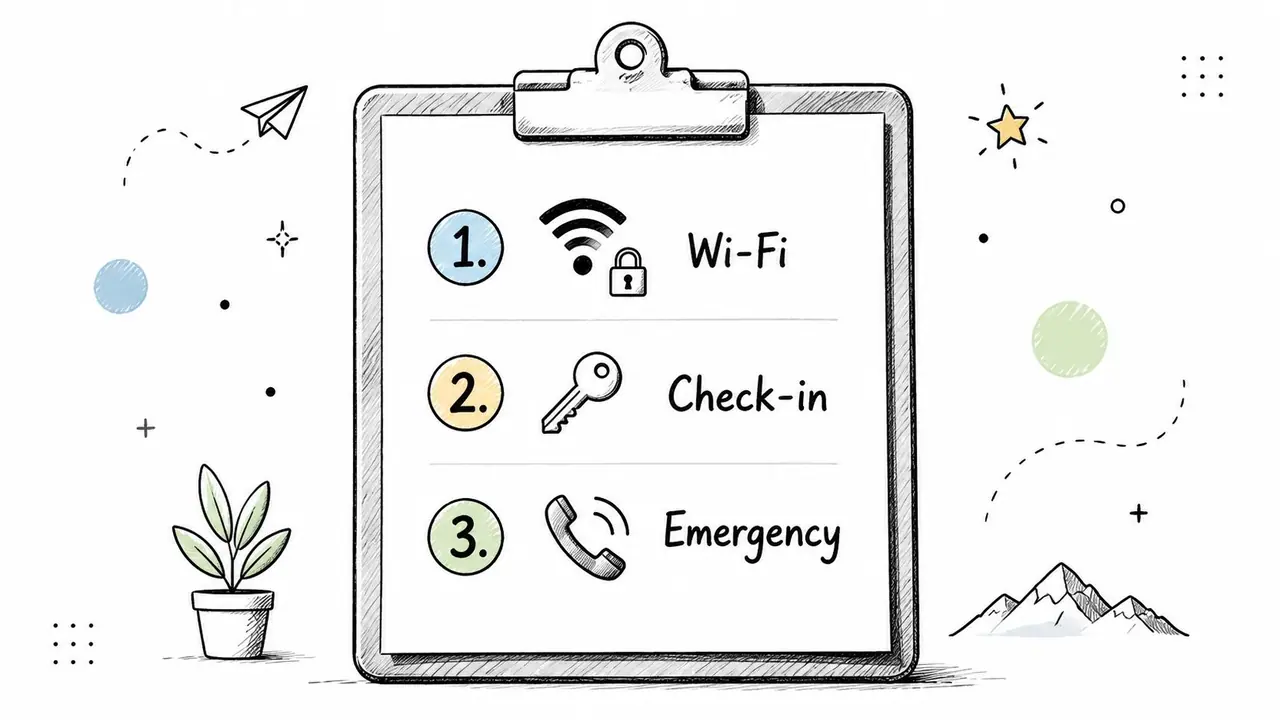
Make the first screen do the heavy lifting
Think of the checklist as the guest's first dashboard. The top should answer the questions guests ask immediately after arrival, not the questions you wish they'd ask later.
A strong structure looks like this:
- Get online first: Put Wi-Fi name and password at the top.
- Confirm entry steps: Restate lock, keypad, or lockbox instructions in simple language.
- Handle urgent needs: Include the best contact method if something isn't working.
- Surface the next action: Parking, thermostat basics, or where to find the house guide usually come next.
- Avoid clutter: Push appliance details, local recommendations, and policy nuance into linked sections.
A city apartment with remote entry might send:
Welcome, Maya.
- Connect to Wi-Fi
- Use the keypad code sent earlier
- Parking instructions are in the guide
- Quiet hours and building access notes are below
- Message us through Airbnb if you need help during check-in
This style is excellent for teams. If you manage several listings, a checklist standard keeps your communication clean and trainable. It also reveals gaps quickly. If guests still ask how to use the lock, the problem usually isn't the guest. It's the order or clarity of the message.
One useful upgrade is conditional navigation. If guests arrive by car, direct them to parking instructions. If they arrive on foot, don't make them read that section first. Digital guides handle this better than long message threads.
3. The Local Expert Guide Welcome Message
Many hosts include local tips, but most of them read like generic internet lists. Guests don't need ten restaurants copied from a map app. They need a short, opinionated guide that helps them make good decisions fast.
That's where this message type stands out. It turns the host into a filter. Instead of “here are places nearby,” it says, “here's where I'd send a guest who wants a great breakfast, a quiet walk, or an easy first night after travel.”
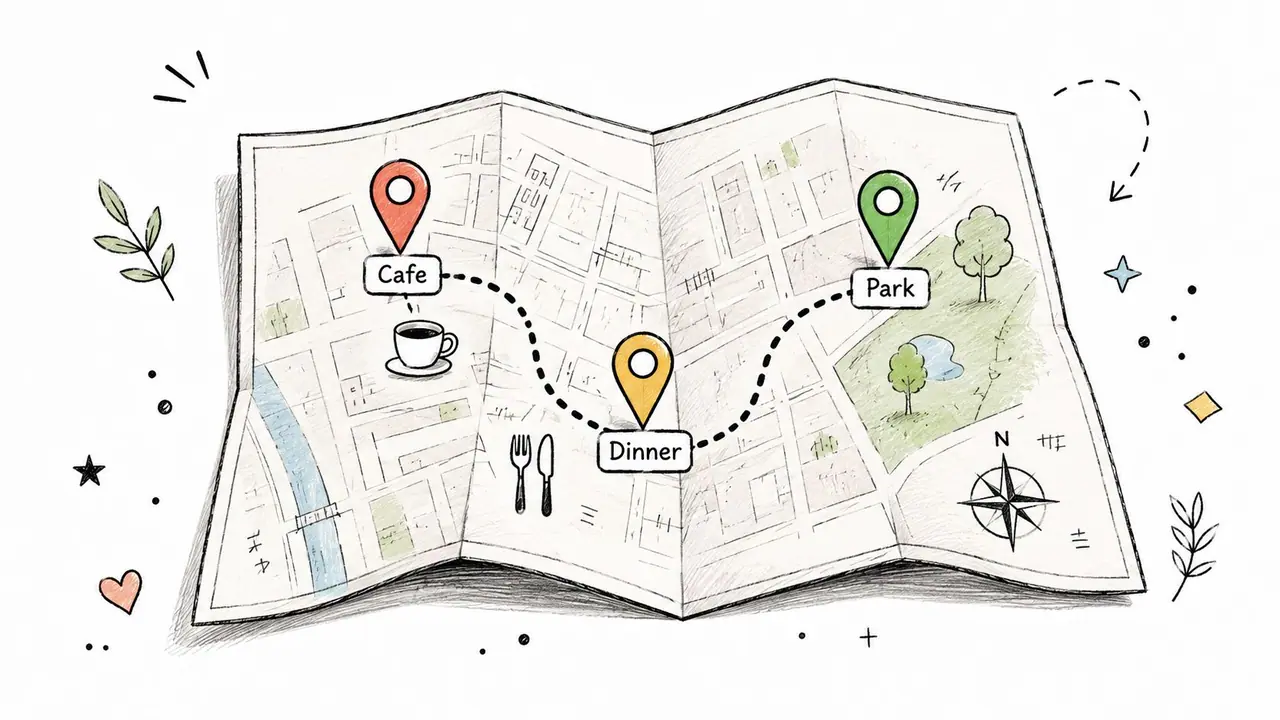
Curate like a host, not a tourism board
The best local guide messages are selective. Three solid food picks beat a giant list. One honest note like “go early or skip it” is more valuable than a polished description.
A host in Barcelona might recommend a corner cafe for the first coffee, mention the easiest time to visit a major attraction, and suggest a jazz bar that tourists usually miss. A mountain cabin host might point guests to the trail that's worth doing in mixed weather, plus the farm shop that's better than the supermarket run.
Here's the framework I use:
- Sort by guest need: First meal, best coffee, easy activity, rainy-day backup.
- Add context: Say why the place is good, not just what it is.
- Keep it current: Stale recommendations erode trust fast.
- Map it visually: A pinned route or grouped map view helps guests more than paragraphs do.
If you're building a fuller guide, a vacation rental welcome book makes these recommendations easier to organize without overloading the initial message.
Don't recommend places just because they're close. Recommend the places you'd defend if a guest later asked, “Was this really your best pick?”
This format is strongest for leisure stays, destination properties, and neighborhoods with a strong food, culture, or outdoor angle. It's weaker for airport overnights or one-night business bookings, where guests usually care more about speed than exploration.
4. The Property-Specific Smart Home & Amenities Welcome Message
Premium amenities don't create value if guests can't use them. Hosts spend money on smart locks, thermostats, streaming setups, espresso machines, speakers, and EV chargers, then lose the upside because the instructions are vague or buried.
This message fixes that. It's direct, technical when needed, and focused on reducing friction with devices that guests haven't used before.
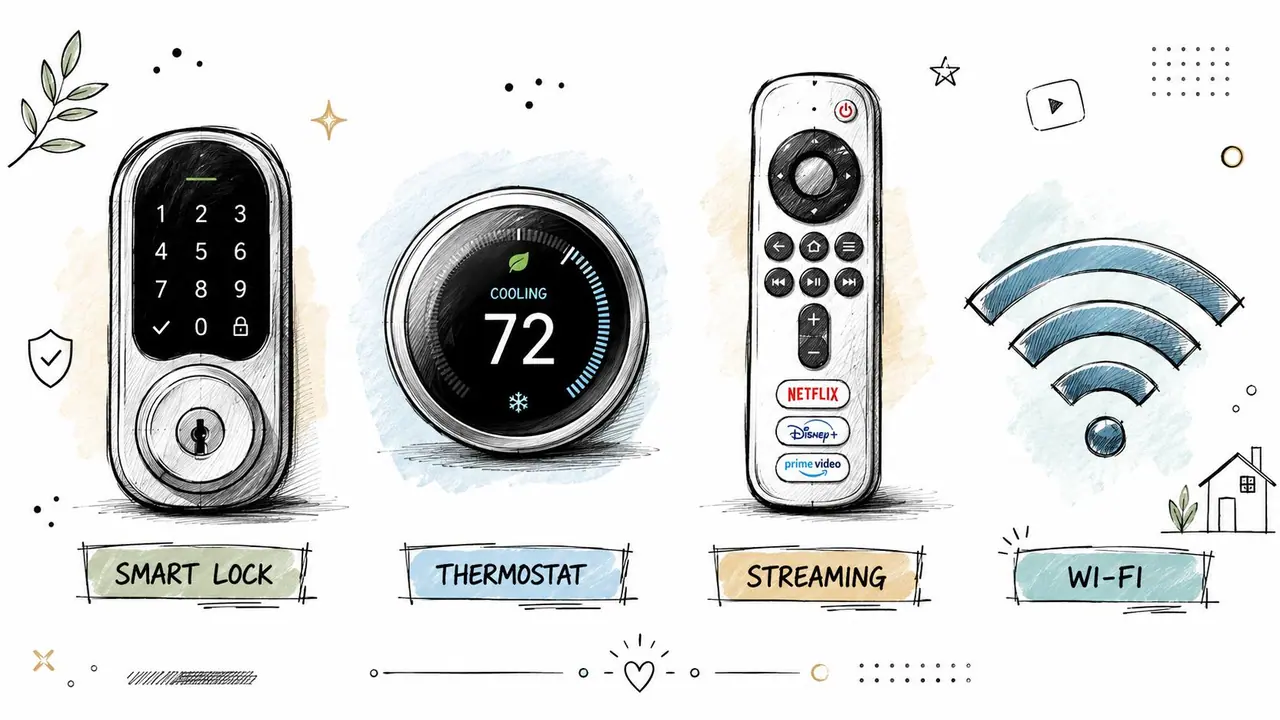
Show guests how to use the good stuff
A smart-home message should not read like a manual. It should read like a quick-start card with escalation steps.
For example, if your rental uses a Yale, Schlage, or August entry setup, the message should tell guests exactly what they'll see, what to press, and what to do if the lock doesn't respond on the first try. The same applies to a Nest thermostat, Sonos speakers, an induction hob, or a bean-to-cup coffee machine.
A strong format includes:
- Top devices only: Cover the lock, heating or cooling, TV setup, and any standout amenity.
- One action per line: Avoid dense explanation.
- Troubleshooting path: Tell guests what to try before they message you.
- Visual support: A short video or annotated image usually beats text.
If your entry setup is a major pain point, this guide to the best smart lock for Airbnb is a useful starting point for choosing hardware guests can figure out.
I've found that properties with lots of tech need less clever writing and more plain language. “Tap the checkmark after entering the code” is better than “activate the secure access system.” Hospitality language should still sound human, but this is one place where clarity wins every time.
Smart amenities impress guests only after they work on the first attempt.
This style is ideal for modern apartments, luxury rentals, and any listing where devices are part of the selling point. If the property is simple, don't over-engineer the communication.
5. The Rules, Policies & House Culture Welcome Message
Many hosts either soften rules too much or present them like a legal threat. Both approaches backfire. If rules are vague, guests cross lines without realizing it. If the tone is harsh, respectful guests feel unwelcome before they've entered.
The best version frames expectations as part of how the property runs. It tells guests what matters, why it matters, and which boundaries are firm.
Protect the property without sounding hostile
A shared-wall apartment might need quiet hours, visitor restrictions, and parking rules stated plainly. A family home might need guidance around the pool, outdoor spaces, and occupancy. A luxury property may need stronger language on smoking, events, or damage reporting.
The key is separating absolute requirements from preferences.
- Firm rules: Noise limits, smoking policy, unauthorized guests, parking restrictions.
- House requests: Shoes off indoors, closing umbrellas after use, rinsing sand outside.
- Reason behind the rule: Mention neighbors, plumbing, safety, or cleaning standards when relevant.
For hosts who need a clearer structure, this Airbnb house rules template is a good base to adapt by property type.
A message can stay friendly without getting fuzzy. For example:
We love hosting guests who treat the home like a home, not a venue. Please keep noise low in the evening, use only the assigned parking space, and let us know quickly if anything breaks so we can fix it before it gets worse.
That wording works because it sounds adult and direct. It doesn't apologize for the rules, and it doesn't threaten punishment in every line.
What doesn't work is broad language like “be respectful” or “no excessive noise.” Guests interpret those phrases differently. Specific wording prevents arguments later.
6. The Revenue-Generating Upsell Welcome Message
Upsells can absolutely fit inside guest messaging, but only when they feel useful. A clumsy sales pitch inside your welcome note makes the property feel transactional. A well-placed convenience offer can make the stay easier and increase revenue without annoying anyone.
This format works best after the essentials are already covered. Guests need entry, Wi-Fi, and immediate logistics first. Only then are they ready to consider extras.
Offer help, not pressure
The most effective upsells solve a real travel problem. Late checkout helps tired weekend travelers. Airport transfers reduce arrival stress. Equipment rental suits beach, ski, or cycling destinations. A breakfast hamper, firewood bundle, or mid-stay refresh can feel like a convenience, not a sale.
A beachfront host might offer surfboard rental and a picnic setup. A city apartment might offer early check-in support, luggage storage coordination, or restaurant booking help. A mountain cabin might offer pre-stacked firewood and gear delivery.
A few rules keep this message from feeling pushy:
- Lead with usefulness: Explain the benefit before the offer.
- Limit the list: Too many add-ons create friction.
- Keep booking easy: One-tap selection or a simple reply works best.
- Only sell what you can deliver reliably: Poor follow-through damages trust fast.
I prefer to position these offers as optional stay enhancements. That phrase feels better than “extras” or “upgrades” in many markets. It also keeps the tone aligned with hospitality rather than retail.
One practical move is pairing this with message automation, especially if you schedule WhatsApp messages for pre-arrival communication outside the booking platform.
The trade-off is simple. Upsells can increase guest spend and improve convenience, but they should never compete with operational clarity. If a guest still can't find the key, it's too early to sell them late checkout.
7. The Minimal & Mobile-First Welcome Message
Some guests won't read a long note, no matter how good it is. They're walking from a taxi, juggling kids, or standing outside the building with low battery. For those moments, short wins.
A minimal welcome message Airbnb format is built for the phone screen. It keeps only the highest-priority information above the fold and pushes everything else into expandable sections or a linked guide.
Strip it down without creating confusion
This isn't the same as being incomplete. Minimal messaging still needs structure. The host chooses what belongs in the first glance and what can wait.
A solid mobile-first message often includes:
- Wi-Fi
- Entry method
- Checkout time
- Parking or building access
- Help path
An urban stay might send:
Welcome to the apartment.
Wi-Fi: listed in your guide
Entry: keypad instructions below
Parking: use the rear entrance details
Need help: message us in Airbnb for the fastest response
The mistake here is cutting so much that guests need to ask follow-up questions. Minimal should mean compressed, not stripped bare. If your property has a complex driveway, a fussy shower control, or multiple door codes, don't pretend it's a simple listing.
I like this format for short stays, business travel, late arrivals, and younger guest segments that are comfortable navigating from one clean mobile page. It's less effective for large homes, rural properties, or experience-heavy stays where guests need more context.
If guests are reading while carrying luggage, every extra sentence has to earn its place.
The strongest setup is a short mobile message linked to a deeper searchable guide. That way the first interaction feels effortless, but the full information is still available when they need it.
7 Airbnb Welcome Message Types Comparison
| Welcome Style | 🔄 Implementation Complexity | 💡 Resource Requirements | ⚡ Speed / Efficiency | ⭐ Expected Outcomes | 📊 Ideal Use Cases |
|---|---|---|---|---|---|
| The Warm Personal Introduction Welcome Message | Medium–High: custom copy or short video required | Moderate: time, photos/video, occasional updates | Lower ⚡: more narrative to scan | High ⭐: stronger trust, higher review & return bookings | Boutique or hosted properties where personality differentiates |
| The Quick-Start Checklist Welcome Message | Low: templated checklist, easy to replicate | Low: brief copy, QR links, minimal design | Very High ⚡: fast to read and act on | High ⭐: reduces support tickets and check-in friction | High-turnover rentals and multi-property managers |
| The Local Expert Guide Welcome Message | Medium–High: research and curation effort | Moderate: maps, links, photos, seasonal updates | Medium ⚡: useful but longer to browse | High ⭐: boosts guest satisfaction and local engagement | Destinations with strong local experiences (food, culture, outdoors) |
| The Property-Specific Smart Home & Amenities Welcome Message | High: technical docs, videos and testing needed | High: tutorial videos, secure credential handling, manuals | Medium ⚡: requires steps but prevents issues | High ⭐: reduces tech support, protects property value | Tech-forward or luxury homes with many smart devices |
| The Rules, Policies & House Culture Welcome Message | Medium: careful wording and organization | Low–Moderate: clear copy, icons, audit trail | Medium ⚡: scannable but requires reading | High ⭐: legal protection, fewer conflicts and liabilities | Shared-wall units, family homes, properties needing firm enforcement |
| The Revenue-Generating Upsell Welcome Message | Medium: setup for one-tap booking and pricing | Moderate: operational capacity, fulfillment, pricing | High ⚡: one-tap upsells are fast for guests | Moderate–High ⭐: increases AOV when executed well | Properties with reliable add-on services (transfers, rentals, extras) |
| The Minimal & Mobile-First Welcome Message | Low–Medium: strict prioritization and testing | Low: concise copy, mobile design, collapsible sections | Very High ⚡: instant answers on phones | Moderate ⭐: reduces cognitive load but may omit details | Urban short-stays and guests who prefer quick mobile access |
From Message to Masterpiece Automate Your Hospitality
The right welcome message changes the first few hours of a stay. It prevents confusion, answers repeat questions before they happen, and gives guests the sense that the property is well run. That's why strong hosts don't think in terms of one perfect message. They think in message types, timing, and guest context.
A personal introduction works when trust and warmth matter. A checklist works when speed matters. A local guide works when experience matters. A rules-focused message works when boundaries protect the home. A smart-home message works when amenities are part of the promise. An upsell message works when the guest is already settled. A minimal mobile-first note works when attention is short and urgency is high.
A significant advantage emerges when you stop treating these as isolated texts. Put them into a system. Build one version for each property type, adapt the tone to the listing, and deliver the right message at the right point in the stay. That's how communication stops feeling reactive.
For many hosts, the cleanest setup is a digital welcome book that holds everything in one place. ScanStay is built for exactly that use case. Guests can scan a QR code and open Wi-Fi details, check-in and check-out info, house rules, local recommendations, and video how-tos in their mobile browser. You don't need to cram every detail into one long message, and guests don't need to dig through old chat threads to find what matters.
That also improves consistency across multiple listings. Instead of rewriting the same instructions or copying old messages, you can standardize the core information, keep property-specific details where they belong, and update one source when something changes. For hosts and managers, that means fewer repetitive support messages and a more polished guest journey.
Good hospitality still feels personal. It's just easier to deliver when the system behind it is organized.
If you want to turn your welcome message into a full guest communication system, ScanStay is worth a look. It lets you replace scattered messages, paper binders, and repeated explanations with one mobile-friendly digital welcome book that guests can open instantly by QR code, helping you save time, reduce support questions, and present every property more professionally.